
The Spending Audit: A Step-by-Step Review of Where Your Money Actually Goes
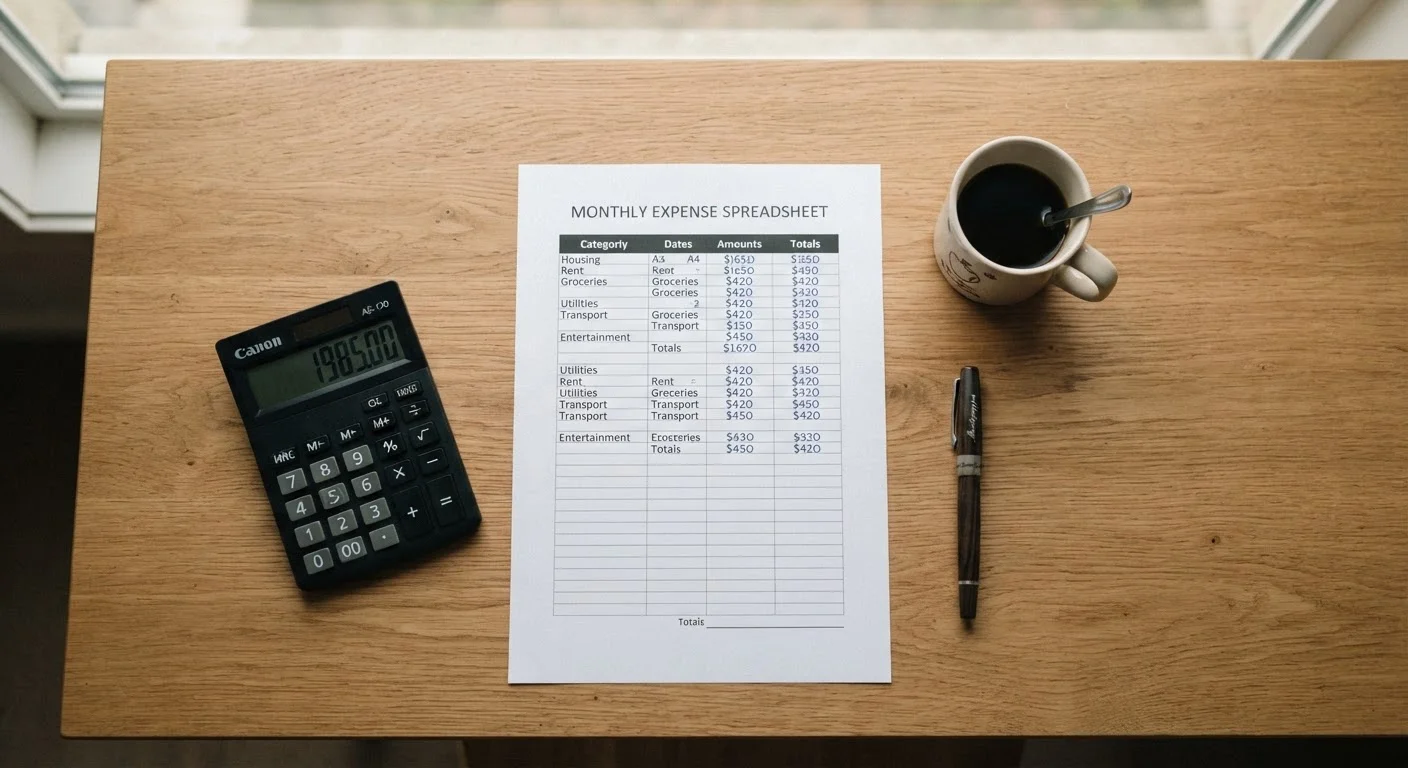
Photo credit: Wiseturt.com | Blogs Curated For You
In this article
Before you can change your spending habits, you need a clear picture of them. This walkthrough shows you how to conduct an honest monthly spending review.
Key Takeaways
- A spending audit works by collecting all transactions for a full month and sorting them into categories.
- Most people find at least one recurring charge they had forgotten about - often a subscription or auto-renewal.
- Comparing spending to actual income, not estimated income, is the only honest baseline.
- The audit's goal is clarity, not judgment - patterns matter more than individual purchases.
- A completed audit is the starting point for any realistic budget or savings plan.
Why an Audit Beats Estimating
Most people believe they have a reasonable idea of where their money goes. Research on consumer behavior consistently shows that self-reported spending estimates are significantly lower than actual transaction records - particularly for discretionary categories like dining and entertainment. An audit replaces assumptions with data.
The process described here is not about cutting everything enjoyable from your life. It is about understanding what is actually happening so you can make deliberate choices. If you've ever wondered why your account balance seems lower than it should be, a structured review of one month's transactions will usually answer that question precisely.
This audit pairs naturally with building a household budget from scratch - the audit gives you real numbers to plug in, rather than guesses.
What you will need
What You'll Need Before You Start
Gathering your materials before you begin prevents interruptions that break focus mid-audit. You need complete statements - not just the running balance - because individual transaction detail is what makes the exercise work. Many banks and credit unions allow you to export statements as a CSV file, which can be imported directly into a spreadsheet.
Bank and credit card statements
The primary source of transaction data - needed to capture every dollar spent during the audit period.
Spreadsheet application
Used to list, categorize, and total transactions so patterns become visible at a glance.
A printed or digital calendar
Helps cross-reference irregular expenses (annual fees, quarterly bills) against the month being reviewed.
Highlighters or color-coding system
Useful for visually grouping spending categories when working with printed statements.
If you use multiple payment methods - debit, credit, a store card, a digital wallet - each needs its own statement. Leaving one account out will skew every downstream calculation.
Running the Audit
Follow the steps below in sequence. Skipping ahead or reordering the steps tends to introduce gaps that make the final totals unreliable. The process typically takes between 30 and 90 minutes for most households, longer if statements require manual entry.
Pull every account statement for the same month
Log in to each bank account, credit card, and payment app (such as a digital wallet or buy-now-pay-later service) and download or print statements for one complete calendar month. Using a single consistent month prevents distortions from billing cycles. If you regularly use cash, estimate those amounts as honestly as you can and add them as a separate line item.
List every transaction, no filtering
Enter every transaction into a spreadsheet or on paper, one row per charge. Do not skip anything - including small purchases, rounding errors, or charges you plan to dispute. The point is a complete picture. Leave a column blank for now; you'll fill it with category labels in the next step.
Assign each transaction to a spending category
Label every transaction using a consistent set of categories. A workable starting set: Housing, Utilities, Groceries, Dining Out, Transportation, Health & Medical, Personal Care, Entertainment & Subscriptions, Clothing, Savings & Debt Payments, and Miscellaneous. Keep categories broad enough to be usable but specific enough to reveal patterns. Recurring auto-payments often get overlooked - flag those separately.
Total each category and calculate the overall spend
Sum all transactions within each category, then add the category totals to get a single monthly spending figure. Write both numbers down clearly. This combined view - by category and in total - is what you'll analyze in the next step.
Compare total spending to actual take-home income
Retrieve your actual net (after-tax) income for the same month - from pay stubs, direct deposit records, or bank deposits. Subtract total spending from total income. A negative result means you spent more than you earned in that month. A positive result shows the gap available for savings or debt reduction. Use real figures, not estimates.
Identify the three categories with the largest unexpected totals
Review each category total and mark the three that surprise you most - these are typically where spending drift is happening. Common candidates include dining out, subscriptions, and convenience purchases. Don't focus on whether the spending was 'bad'; focus on whether it was intentional. Unintentional spending is where habits can shift without significant sacrifice.
Note any forgotten or duplicate charges
Scan for subscriptions, memberships, or automatic renewals you no longer use or didn't recognize. Also check for duplicate charges on the same date from the same merchant - these occasionally result from processing errors. Flag anything worth investigating. Canceling even one unused subscription has an immediate, measurable impact on next month's totals.
Document your findings in a single summary
Create a one-page or one-tab summary showing: total income, total spending, difference, the five largest spending categories by dollar amount, and your two or three key observations. This document becomes your baseline for future months. A monthly audit done consistently over three months reveals trends that a single snapshot cannot.
Treat the Audit as Observation, Not Judgment
The goal of each step is to record what happened, not to evaluate whether it was the right choice. Assigning moral weight to individual purchases during the data-collection phase tends to cause people to skip or rationalize entries, which corrupts the results. Stay descriptive throughout the process and reserve any evaluation for the summary phase.
After completing the audit, your findings feed directly into broader spending awareness. The spending triggers checklist is a useful next step for understanding the behavioral patterns behind the numbers you've just uncovered.
Turning Findings Into Next Steps
A completed audit is a diagnosis, not a plan. The summary you created in Step 8 tells you what has been happening; what happens next depends on the decisions you make with that information. Three reasonable directions:
- If spending exceeded income: Identify the fastest category to reduce and set a specific target for next month. One concrete change is more actionable than a broad intention to 'spend less.'
- If spending was close to income: The audit reveals where buffer exists. Redirecting even a small amount from a lower-priority category to savings or debt reduction compounds over time.
- If the picture was roughly as expected: The value is in the baseline. Run the same audit next month and compare - patterns become visible only across multiple data points.
For a consistent monthly process, see the monthly budget reset routine, which builds on this audit structure. For a more comprehensive framework, the complete budgeting framework covers how to turn audit findings into lasting habits. You can also use the month-end budget health check to verify your figures before closing out each month.
Accuracy Depends on Complete Data
An audit is only as reliable as the statements feeding it. If you omit even one frequently used account - a store credit card, a payment app, a secondary checking account - the category totals will undercount your actual spending. Before drawing conclusions, confirm you have pulled records from every account that processed a transaction during the audit month.
This article is for general informational and educational purposes only. It does not constitute personalized financial, tax, or legal advice. For guidance specific to your financial situation, consult a qualified financial professional.

Author
Smart Shopping Editorial Team
Smart Shopping Editorial Team is the collective byline for our editorial team and contributor network. Articles published under this byline or an editorial pen name are researched, written, and reviewed according to our editorial standards for clarity, consistency, and independence before publication.
View all articles →